 Qoffati





From kitchen to market
Keep one list for home and another for work. Give each a name you’ll recognize on your next shop.
Tomatoes, bread and that little thing you always forget. Put them on one list and share it with whoever’s doing the shopping.
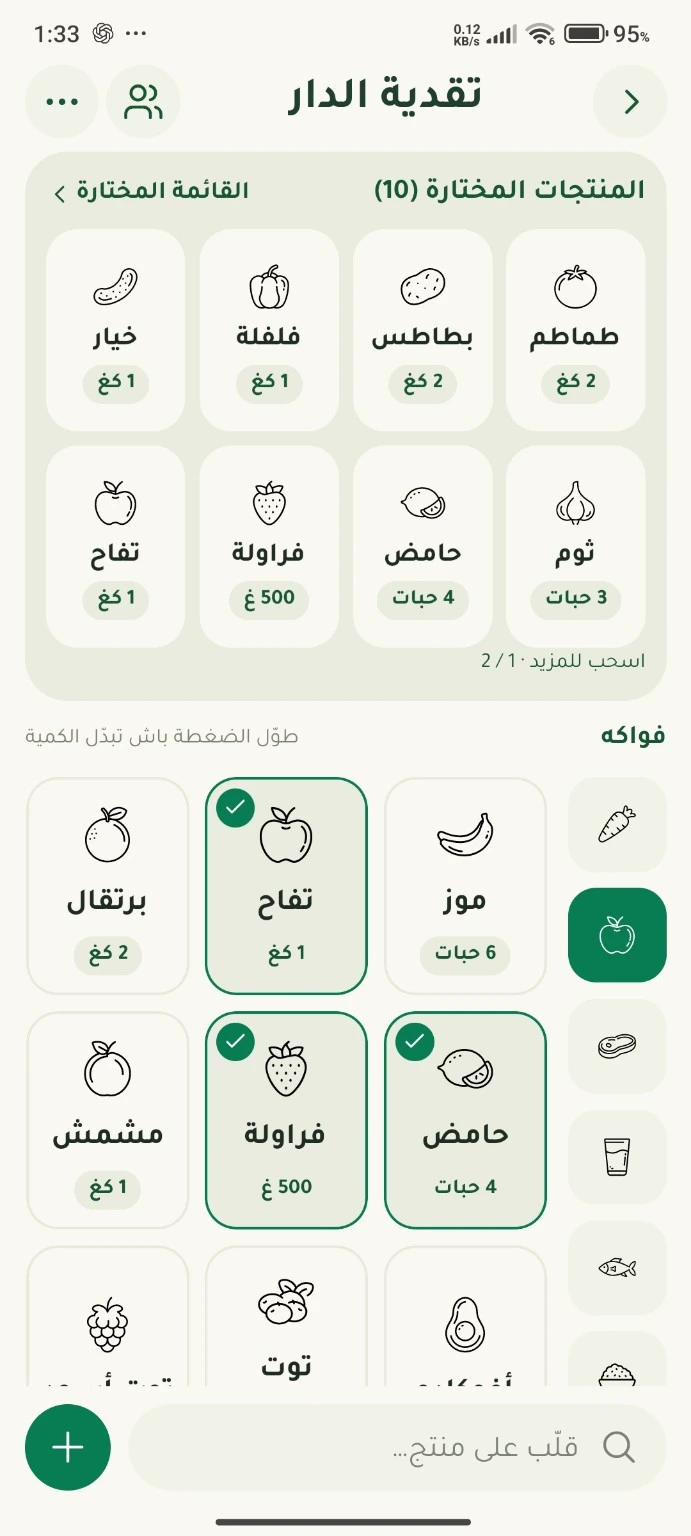
Keep one list for home and another for work. Give each a name you’ll recognize on your next shop.
Send an invitation code. Once the request is accepted, your shopper can open that list and check off what they buy.
Check off what’s in your basket to track your shop.
Leave your email to hear when the app is ready to download.
Try the shopping list on this page. Tick off the tomatoes or bread to see your shopping progress.
You share only the list you choose. Your work list stays private until you choose to share it.
In the app, press and hold a product to change its quantity or unit.